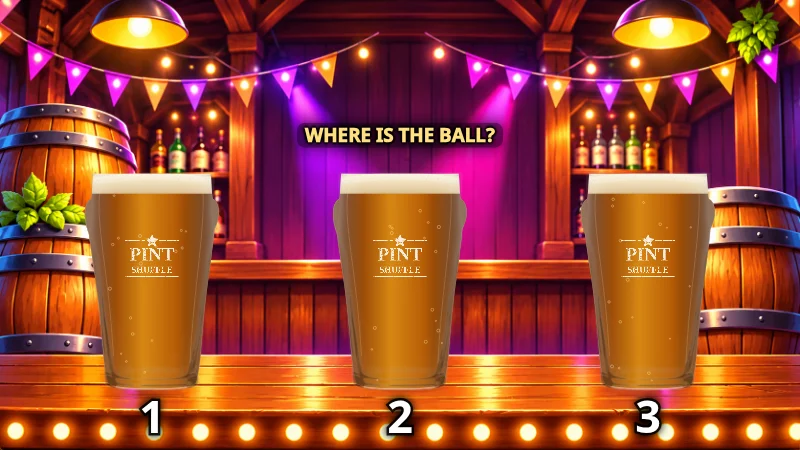

Pint Shuffle
Watch three pints shuffle, then pick the one hiding the ball.
One caller or a whole-room shout-out
£5.00 per evening 3 credits
Buy Pint Shuffle ↗
Pick a quick challenge for a pub quiz, party or DJ set. Download for Windows or Mac where available and run the show yourself.
Evening prices use the 12-credit starter pack at £20.00. Play unlimited rounds on your activated evening and keep unused credits for later.
Watch three pints shuffle, then pick the one hiding the ball.
One caller or a whole-room shout-out
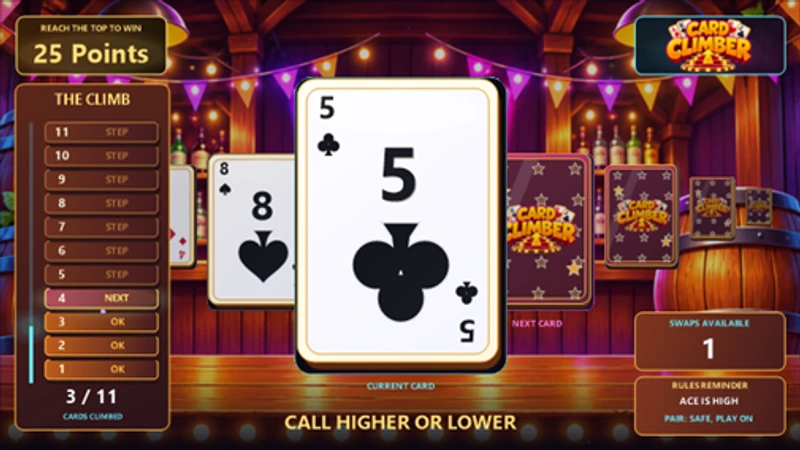

Call higher or lower on each card and climb the ladder towards the jackpot.
One contestant at a time · crowd calls along
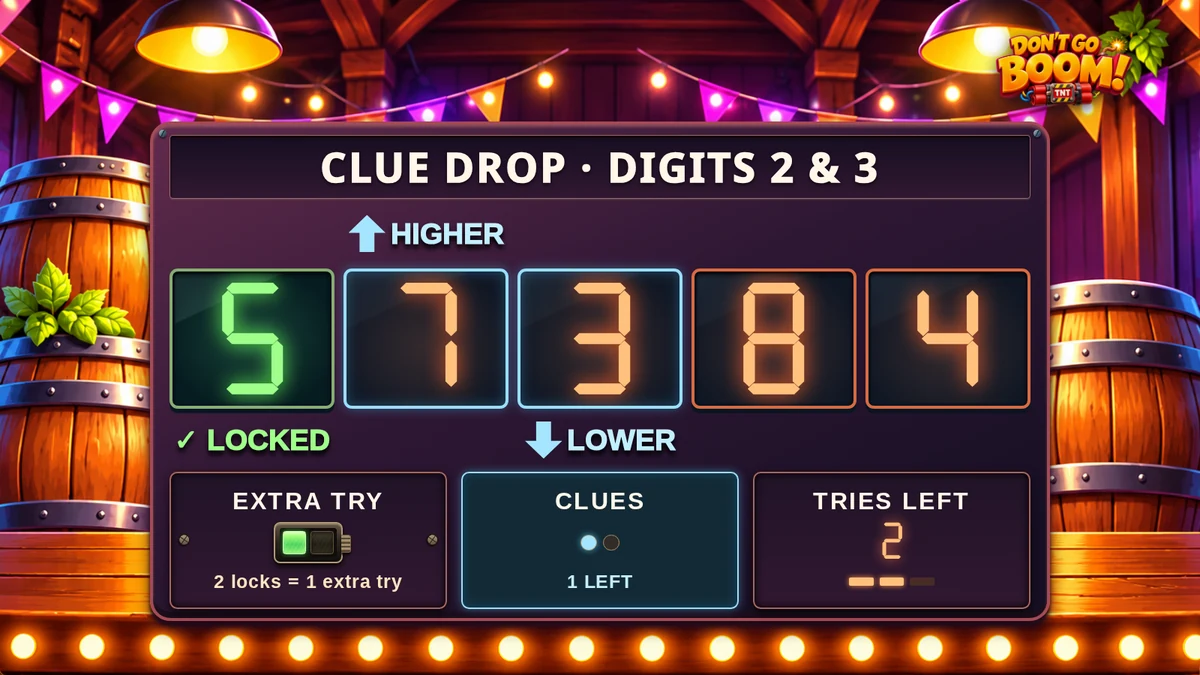
Work out the five-digit code in three guesses. Scan each guess for clues before you go boom.
One contestant at a time · crowd cheers them on
Whole-room game · built for a full bingo night
Call the numbers, mix in your music and let everyone play along. The full software includes seven bingo formats and three built-in mini games: Pint Shuffle, Card Climber and Don’t Go Boom! When the Bonus Ball drops, a raffle picks one player and the software randomly picks their mini game. They play one round, the game announces whether they won or lost, and bingo resumes.
Want to play more rounds? Each standalone game purchase allows multiple rounds of that game during your activated session.
Games Zone purchases are software only. You supply the computer and any event equipment.
Windows downloads. Use a 64-bit Intel or AMD PC running Windows 10 or 11 for Balls Out Bingo, Pint Shuffle, Card Climber and Don’t Go Boom. We recommend 8 GB RAM for hosting. Leave enough storage for the download and its extracted files.
Mac downloads. Pint Shuffle, Card Climber, Don’t Go Boom! are available for Intel and Apple silicon Macs. Tested on macOS 15 Sequoia. Choose your chip under Apple menu → About This Mac, then download the matching ZIP.
Don’t Go Boom host console. The Windows game opens the host console in your default browser. Use an up-to-date version of Chrome, Edge or Firefox.
Audience screen. For a live show, connect a TV or projector by HDMI or a compatible display adaptor. Use an extended display in Windows or macOS so you can keep the host controls on your own screen. A 1080p display is recommended.
Sound and microphone. Connect your computer to speakers or the venue PA for game music and effects. Use a microphone through the PA if you’re hosting a larger room.
Internet and raffle tickets. Have internet access to download and activate games that require it. If you use Card Climber’s raffle draw or the Bonus Ball raffle in Balls Out Bingo, give each player a numbered raffle ticket.
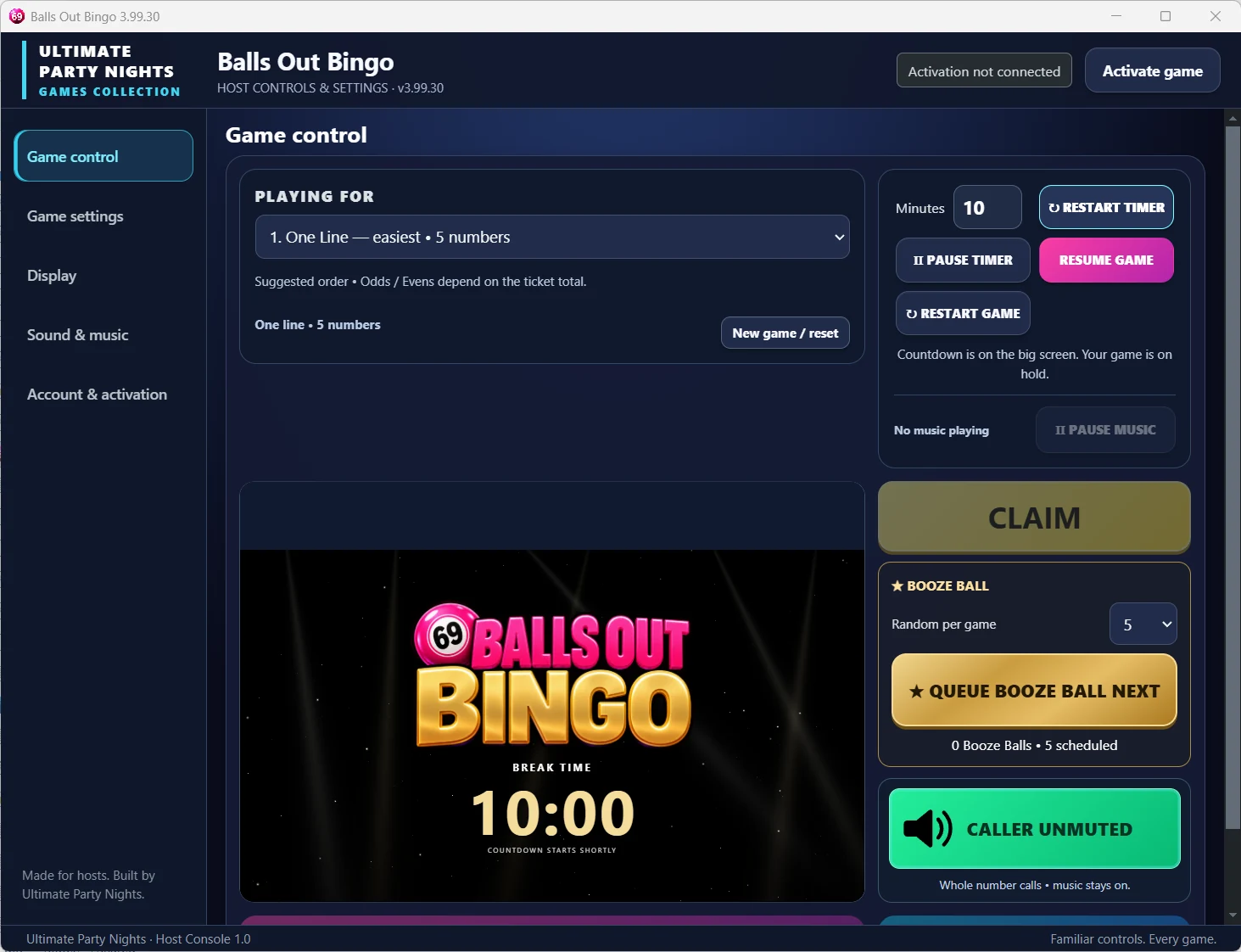
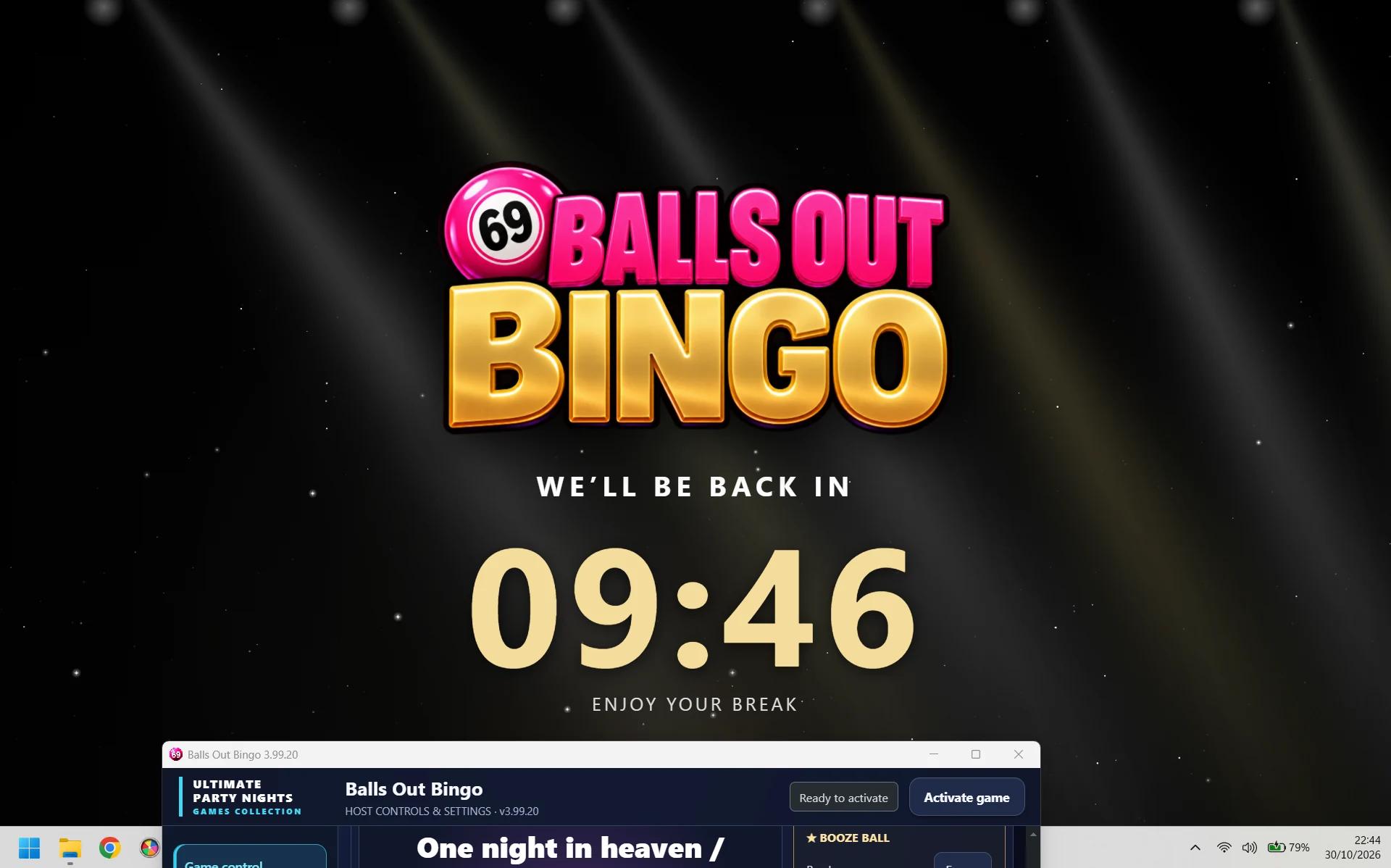
Screenshots from earlier versions of Balls Out Bingo. The current demo includes newer features and refinements.

EVERYBODY ON THEIR FEET
Pick a pose. Spin the reels. Stay in the game.
The crowd chooses its actions, the four reels spin and the host keeps the showdown moving. The audience becomes the game.

TAKE YOUR SHOT
Hold your nerve. Stop the aim.
A moving target and a moment to make your mark. Bring a familiar pub favourite onto the big screen.

MAKE YOUR MOVE
A classic showdown. A room full of opinions.
Rock, paper or scissors? Make a choice, face the challenge and let the crowd enjoy the reveal.
MAKE A NIGHT OF IT
Bring games created by Ultimate Party Nights to your own event. Buy the software, take control of the show and give your guests something to cheer about. Not sure which game to choose? Ask Carl.
Some games are still being prepared for release. Their cards show what’s available now and how to find out more.